ai usage monitoring
Monitor and govern
AI behavior in real time
Self-hosted. Metadata only. Never your prompts, never your code.
See your own AI usage in 60 seconds
No account, no Docker, no config. Personal mode makes zero outbound network calls. Your dashboard opens on 127.0.0.1 and stays there. app.aimonitoring.app explains the same path.
Observe
every AI tool, agent, and
tool call, metadata only
Govern
secret rules block inline
on Claude Code, Cursor, Copilot, and Kimi
Analyze
pseudonymous attribution,
coverage and fleet risk
Improve
fix findings, tighten rules
watch exposure trend down
product
See it work
51s walkthrough. Synthetic demo data. No customer traffic.
inside the console
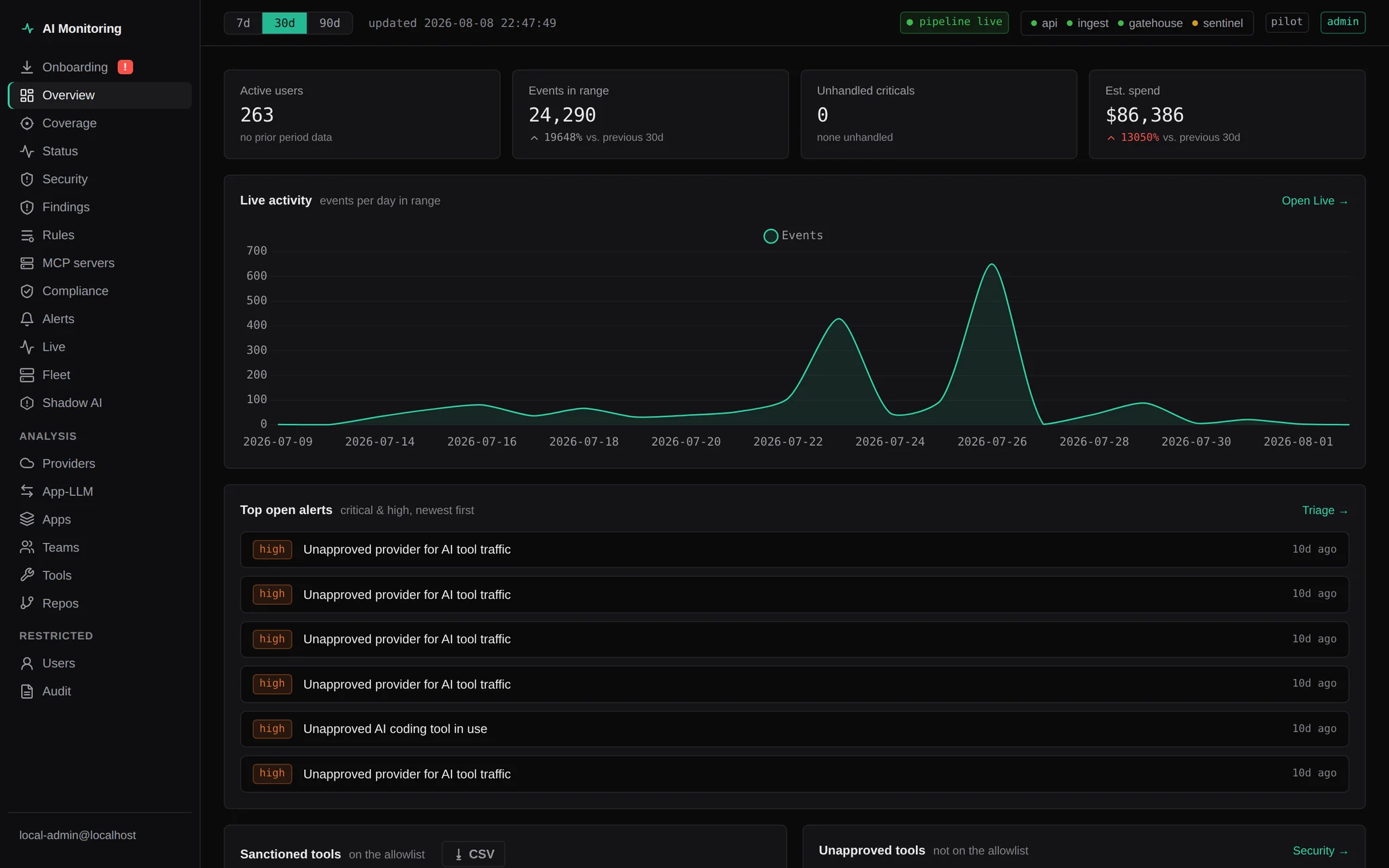
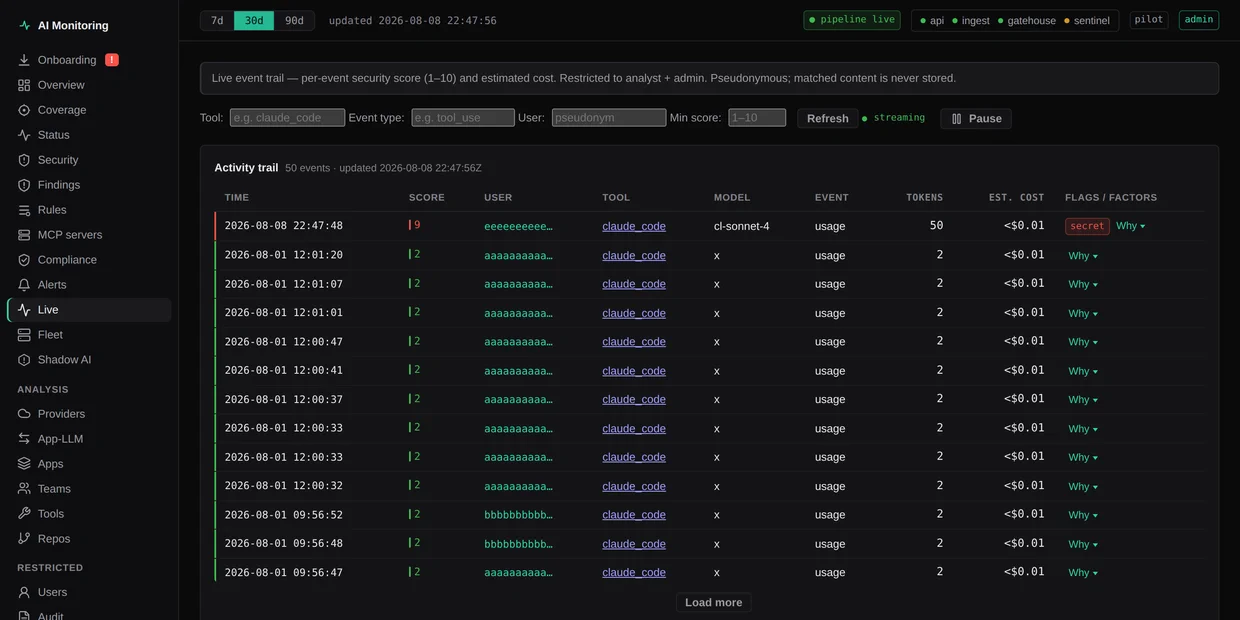
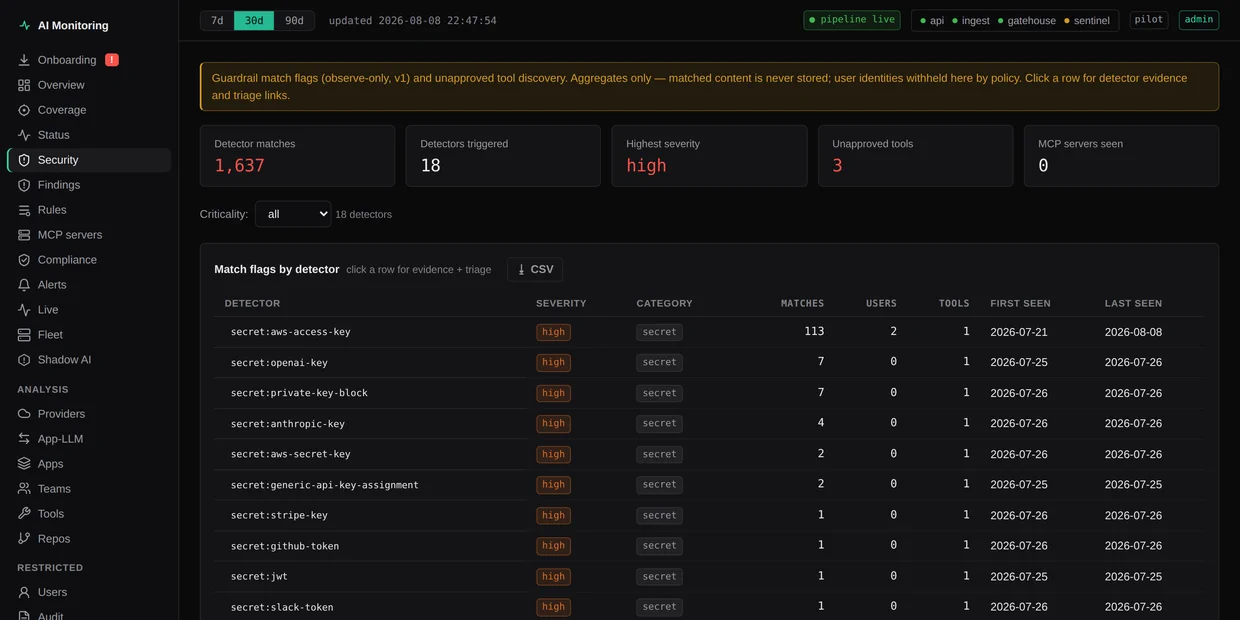
What the console shows
Community is free
Personal use and public open source clone the repo. A fleet is a conversation with sales.
Community
Free
Personal / evaluation / public OSS
Personal projects and open source. No card, no time limit.
- soft fleet cap: 3 seats
- all collectors & dashboards
- no phone-home required
- community support
Fleets
Contact sales
Team and Enterprise, quoted
Shared dashboards, enforce packs, SSO, air-gap, and an SLA. We write it down first.
- fleet beyond the community cap
- shared findings & team dashboard
- SSO / SCIM / OIDC and evidence packs
- dedicated support & SLA